Overview
MSG91 is one of the most popular SMS providers in India, and it also offers WhatsApp Business messaging. InstiKit supports MSG91 for both channels, so a school can send attendance alerts, fee reminders, OTPs, exam updates and announcements by SMS or WhatsApp from one account.
Setting up MSG91 SMS
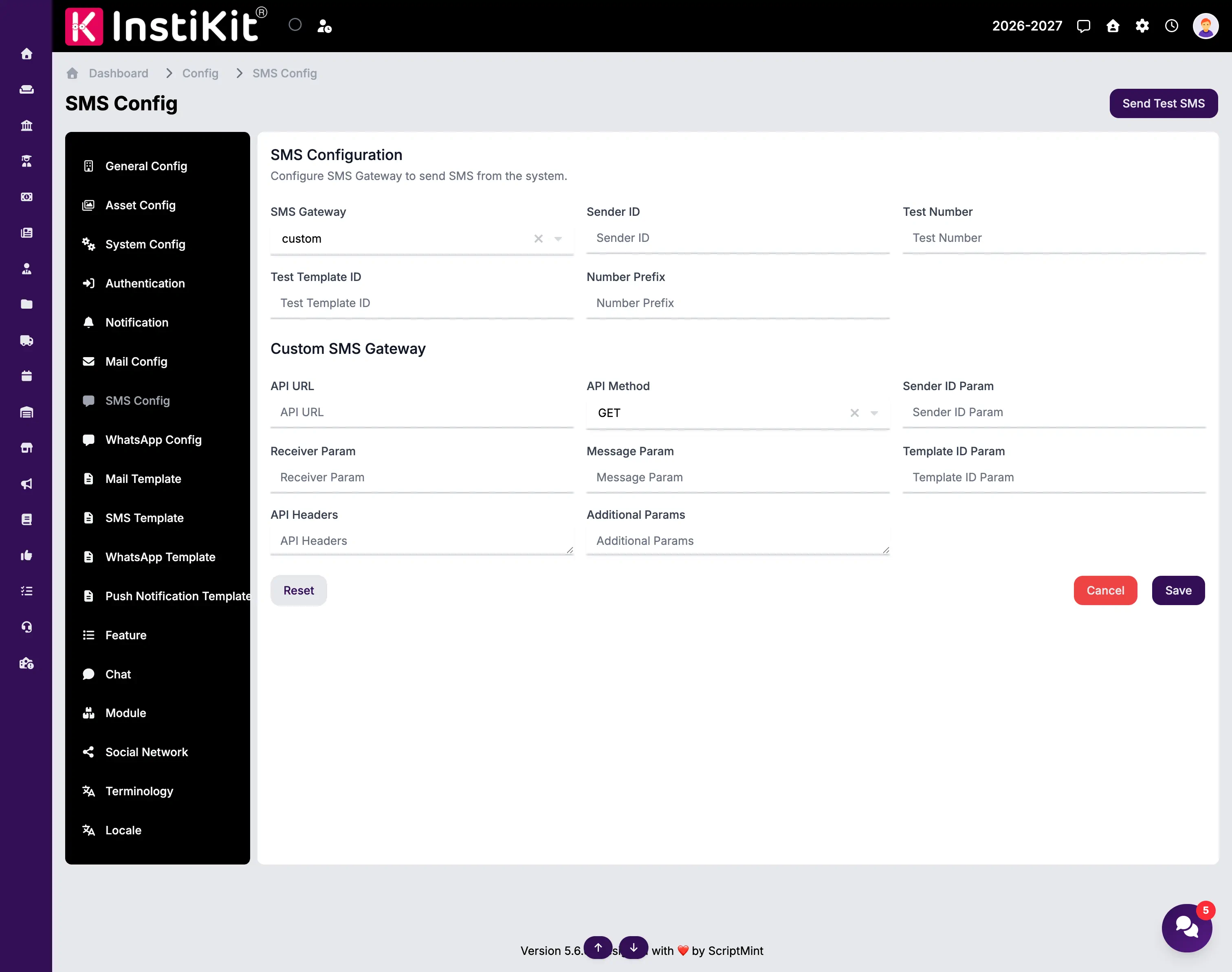
In InstiKit's SMS configuration, select MSG91 as the gateway and enter:
- Your MSG91 Auth Key, which authorises InstiKit to use the MSG91 API.
- The Sender ID registered with MSG91, which appears as the sender of each SMS.
- The template IDs your messages use, as approved in your MSG91 account.
- A default number prefix, such as +91, so mobile numbers are formatted correctly.
Then use Send Test SMS to confirm everything works before messages go to parents.
Setting up MSG91 WhatsApp
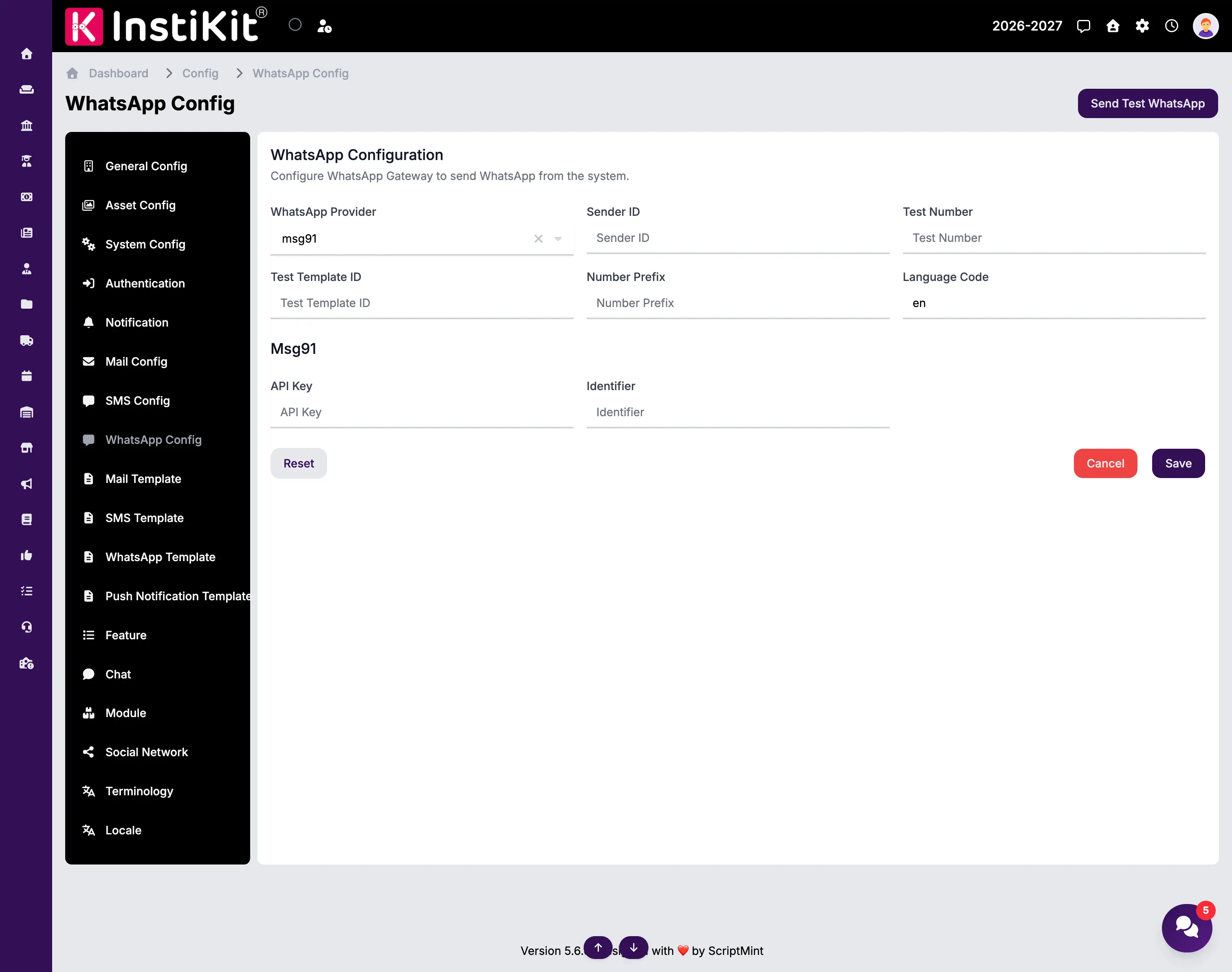
In the WhatsApp configuration, select MSG91 as the provider, add your Sender ID and credentials, and set the language code that matches your approved WhatsApp templates, such as en or hi. WhatsApp Business requires approved templates, so set those up in MSG91 first, then use Send Test WhatsApp.
What schools send
- Attendance alerts when a student is absent or late.
- Fee reminders and payment confirmations.
- OTPs for secure login.
- Admission and exam updates.
- General announcements and notices.
Good to know
Sender IDs and templates may need approval in your country, for example DLT registration in India. Plan for that before go-live. Message charges are billed by MSG91 to your MSG91 account.