Overview
Many schools already have biometric or RFID devices at the gate or staff room, but the data stays in the device or a separate system. InstiKit's biometric integration brings those punches into the ERP, so attendance, leave and payroll all work from the same records.
How devices connect
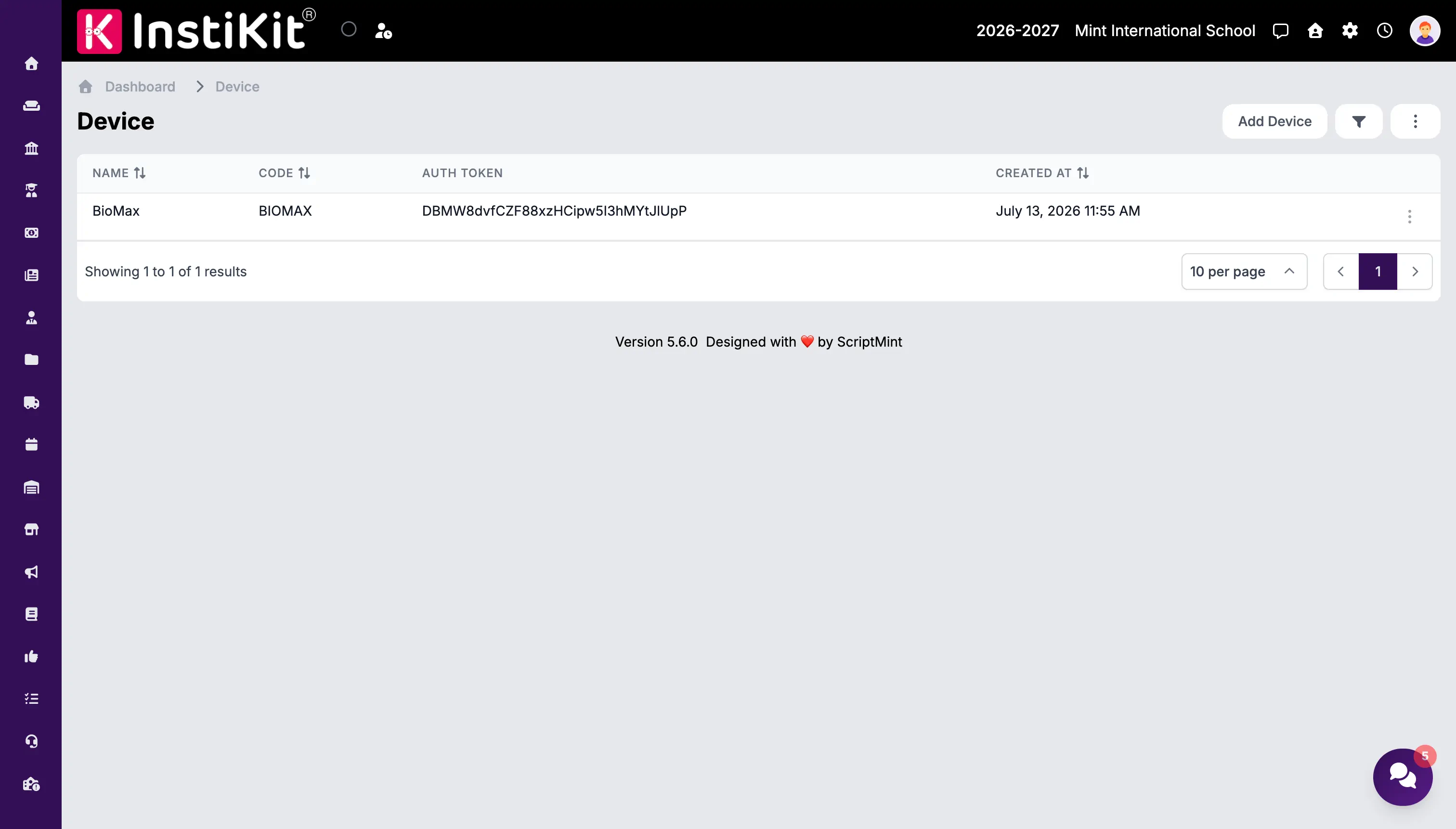
InstiKit's Device module lets you register each external device or system:
- Open User Menu → Device and add the device with a unique name and code.
- InstiKit generates an authentication token for that device.
- The device, or the software that manages it, uses the token to send attendance data to InstiKit's API.
Each device authenticates with its own token instead of a shared user password, and a token can be revoked if a device is replaced or lost.
Supported device types
The device API is designed for external attendance systems such as:
- Biometric fingerprint devices.
- RFID card readers.
- Face recognition terminals.
- QR code scanners and smart gates.
Device models differ in how they export data. Share your device make and model with our team, and we will confirm how it connects.
No hardware? Use QR attendance
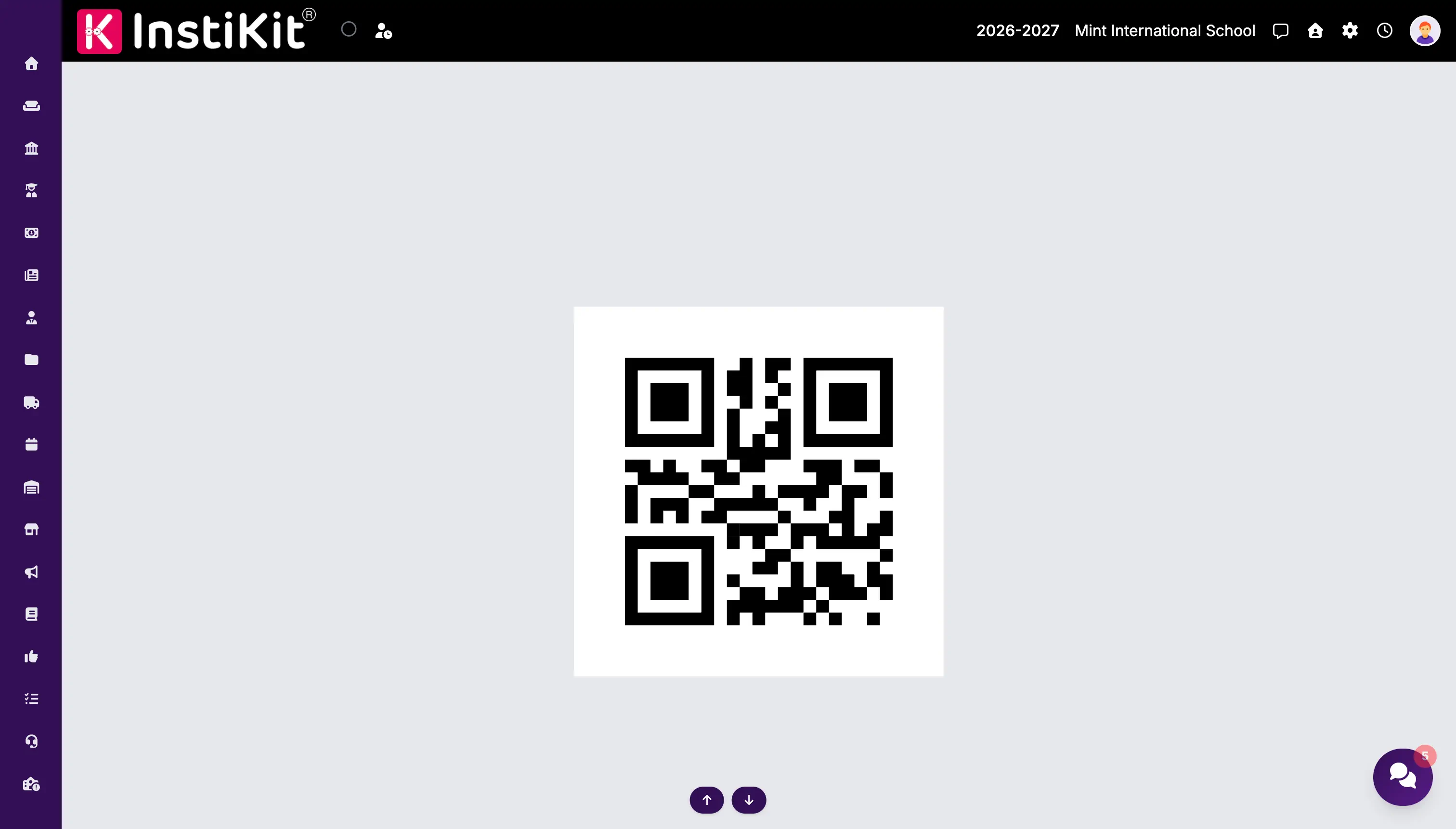
InstiKit also offers QR code attendance: staff scan a QR code shown on a screen using the InstiKit mobile app. Dynamic QR codes refresh automatically and expire after a set time, which makes proxy attendance harder. It is a simple, contactless alternative for schools that do not want to buy devices.
Where attendance goes next
Attendance recorded from devices appears in InstiKit's attendance reports and works with leave management and payroll, so HR and accounts teams use the same data.